


Order Delivery Date is our Shopify app which allows your customers to choose their custom date and time for their order delivery. As Order Delivery Date is integrated with iCart so by adding this widget you can add the Order Delivery calendar in the cart drawer from which customers can choose the specific date and time on which they want to get their order delivered.
Understanding widget options
Below settings are included in the Order Delivery Date widget
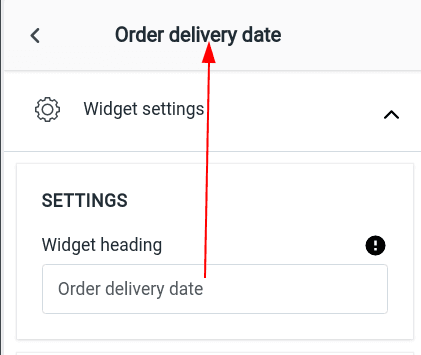
🏷️ Widget Heading
The widget heading helps you identify and manage widgets within the iCart editor. It won't be visible to customers but is helpful for internal organization when using multiple widgets.
Learn more about widget headings →
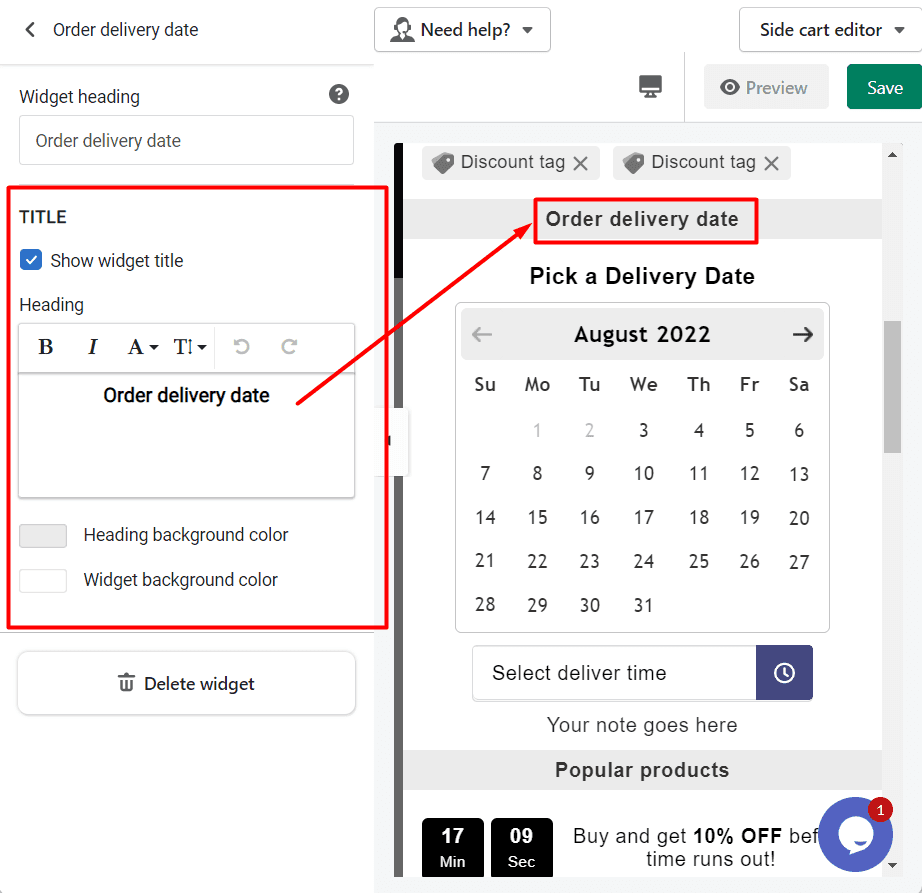
🖼️ Title
This is the visible heading shown at the top of the widget in your cart drawer. You can show or hide the title, change its background color, or customize the text color to match your brand style.
Learn more about title settings →
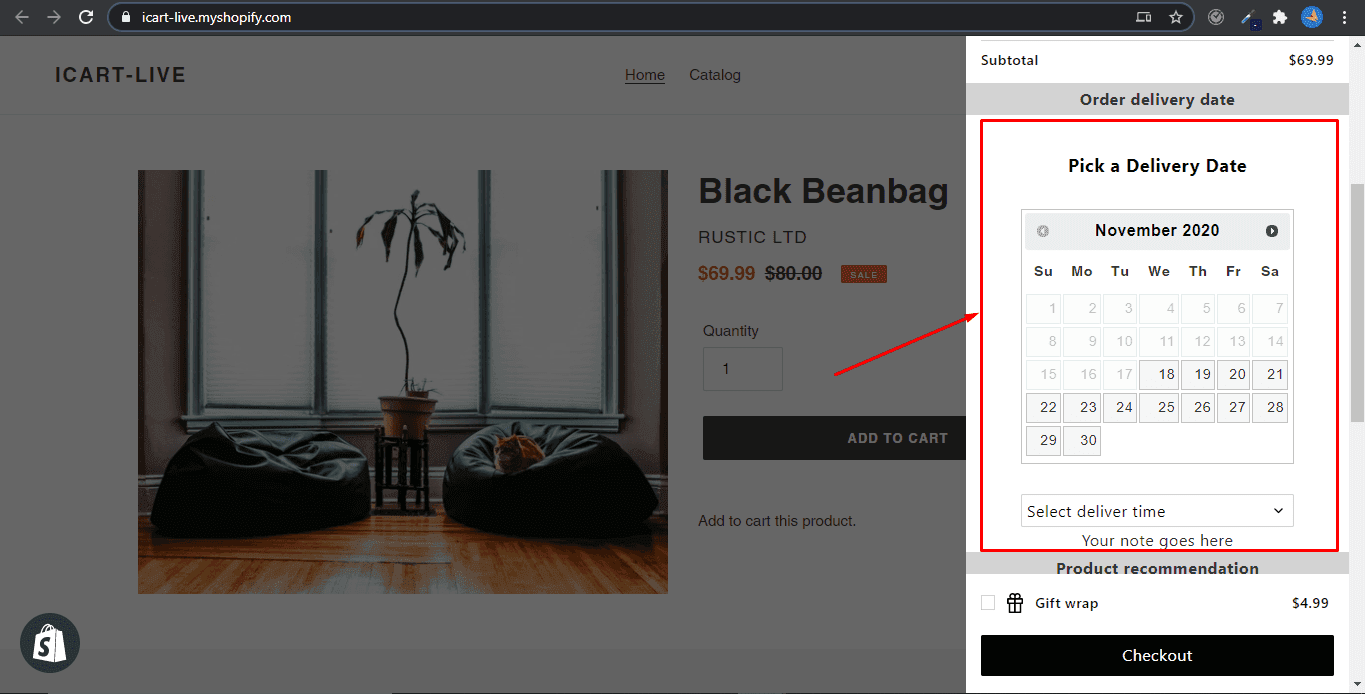
➞ Result in the cart drawer
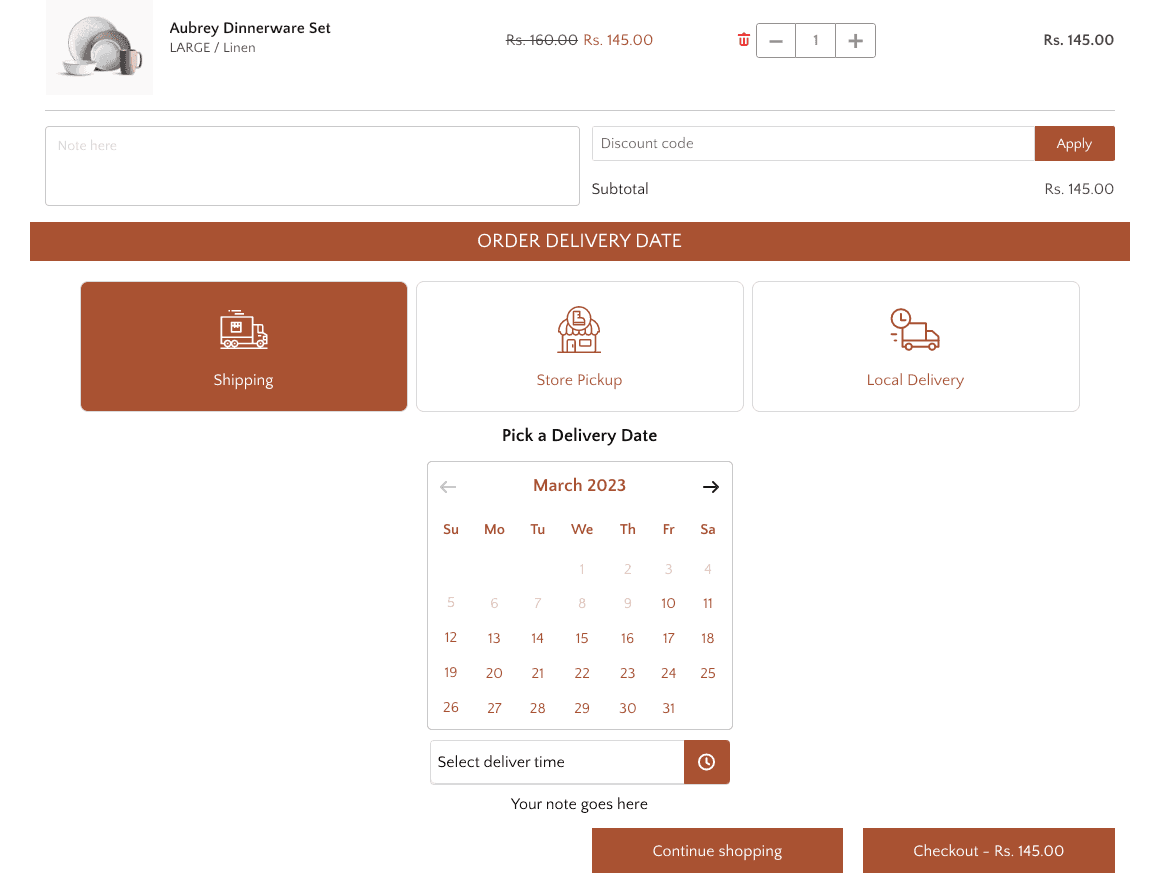
➞ Result in the full cart
🗑️ Delete
If you no longer need the widget, you can remove it by clicking the Delete option at the bottom of the widget settings in the editor.
💬 Need Help?
If you have any questions or need assistance with setting up the Stellar delivery date widget, feel free to email us or live chat with our support team — we’re always here to assist you!
Check out the complete guide on the Order Delivery Date app to know how it works.